
Quick Answer: pgAdmin 4 is the official open-source GUI for PostgreSQL. The latest version is v9.18 (released September 17, 2026). Download it from pgadmin.org. Fastest install method: Docker. Alternatives: Windows .exe installer or Ubuntu APT packages.
pgAdmin 4 vs DBeaver: Quick Comparison
Before you install, make sure you're picking the right tool.
| Feature | pgAdmin 4 | DBeaver Community | QueryGlow |
|---|---|---|---|
| Databases supported | PostgreSQL only | 100+ databases | 6 (PostgreSQL, MySQL, MariaDB, SQLite, CockroachDB, TimescaleDB) |
| Price | Free | Free (paid from $113/yr) | $79 one-time |
| Interface | Desktop app or browser (server mode) | Desktop (Java) | Web-based |
| Self-hosted | Yes | Via CloudBeaver (separate web edition) | Yes (Linux server with Docker) |
| AI query generation | Yes (AI Assistant, since 9.13) | Yes (AI Chat in Community) | Yes (your own OpenAI, Anthropic or Google key) |
| Install and update | Installer, APT packages or docker run | Installer on each machine | ./queryglow install, then ./queryglow update with automatic rollback |
If you only use PostgreSQL and want free, pgAdmin 4 works. Need multiple databases in a desktop app? DBeaver: our full pgAdmin vs DBeaver comparison weighs admin depth against engine breadth in detail. Want web-based access from any device with self-hosting and no subscription? Check the best pgAdmin alternatives, or compare every option in our PostgreSQL client roundup.
Docker Installation (Recommended)
Docker is the fastest path. One command, no system dependencies.
Quick start:
docker run -p 5050:80 \
  -e "[email protected]" \
  -e "PGADMIN_DEFAULT_PASSWORD=changeme" \
  -d dpage/pgadmin4
Open http://localhost:5050 in your browser. Log in with the email and password you set above.
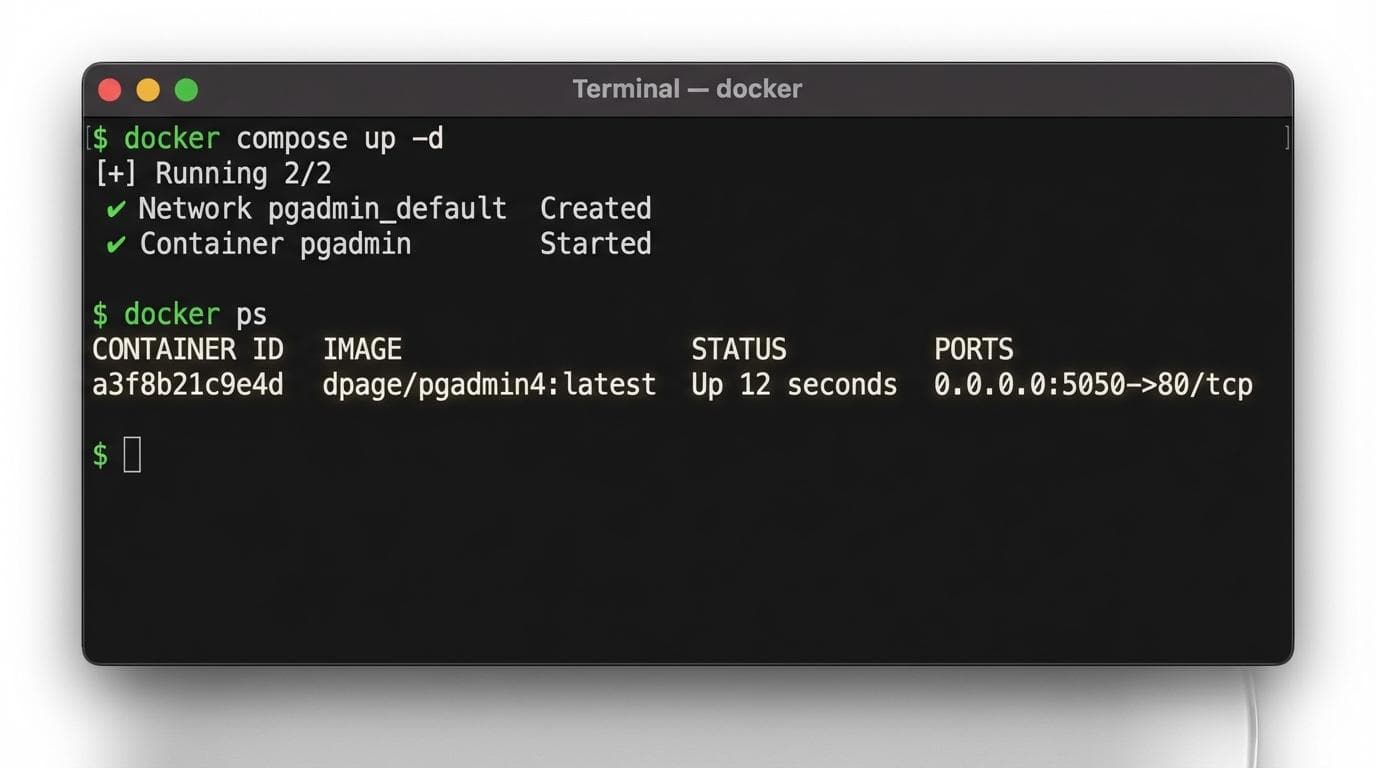
For a persistent setup that survives container restarts, use a docker-compose.yml:
services:
  pgadmin:
    image: dpage/pgadmin4:latest
    container_name: pgadmin
    restart: unless-stopped
    ports:
      - "5050:80"
    environment:
      PGADMIN_DEFAULT_EMAIL: [email protected]
      PGADMIN_DEFAULT_PASSWORD: changeme
    volumes:
      - pgadmin-data:/var/lib/pgadmin

volumes:
  pgadmin-data:
Run docker compose up -d. The volume mount keeps your settings between restarts.
Windows Installation
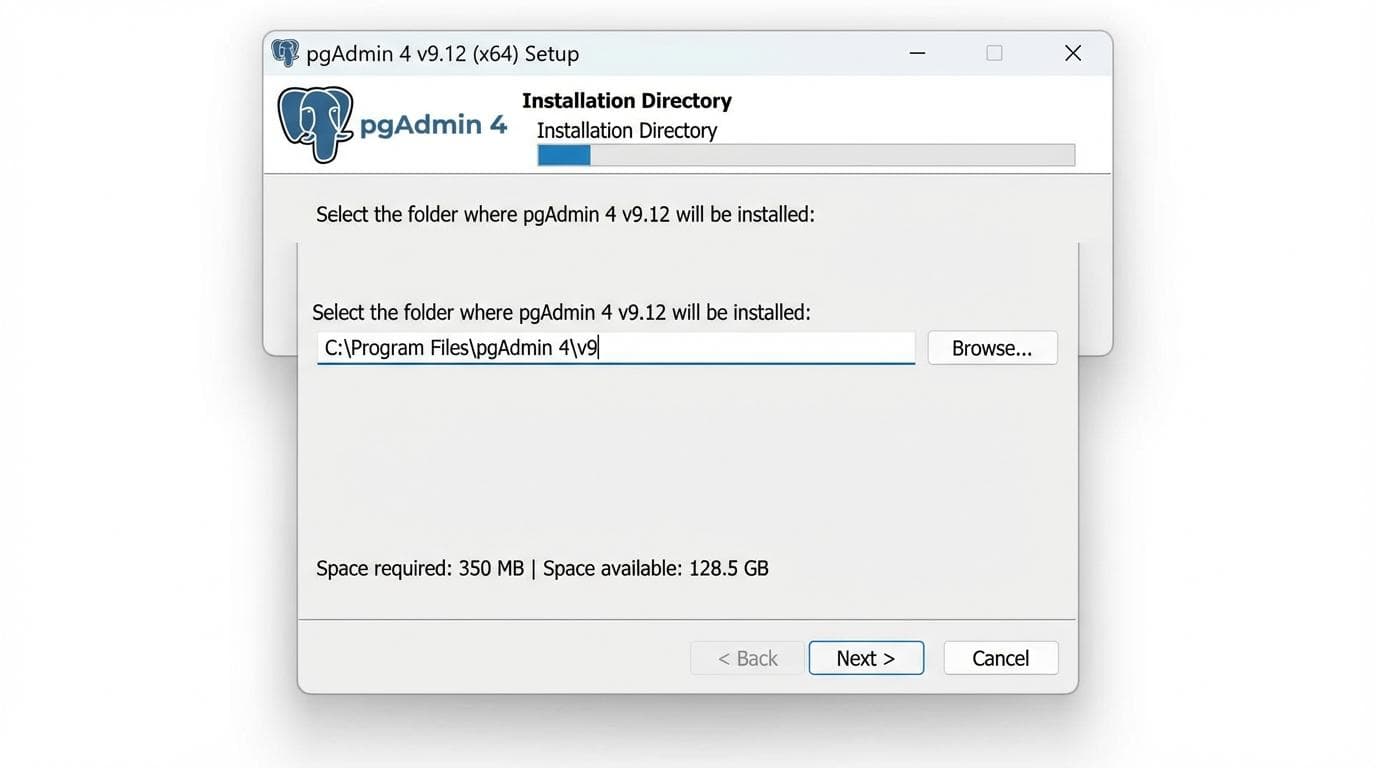
- 1.Download the latest installer from the official pgAdmin 4 v9.18 download page.
- 2.Run
pgadmin4-9.18-x64.exe. - 3.Click through the wizard; the defaults are fine for most setups.
- 4.Once installed, pgAdmin opens in its own application window.
- 5.Set a master password on first launch. You'll use this to unlock saved server credentials.
That's it. The installer bundles everything: no Python or Node.js setup required.
Ubuntu Installation
Add the pgAdmin repository and install via APT:
curl -fsS https://www.pgadmin.org/static/packages_pgadmin_org.pub | \
  sudo gpg --dearmor -o /usr/share/keyrings/pgadmin-keyring.gpg

echo "deb [signed-by=/usr/share/keyrings/pgadmin-keyring.gpg] \
  https://ftp.postgresql.org/pub/pgadmin/pgadmin4/apt/$(lsb_release -cs) \
  pgadmin4 main" | sudo tee /etc/apt/sources.list.d/pgadmin4.list

sudo apt update
sudo apt install pgadmin4-web
After the package installs, run the web setup script:
sudo /usr/pgadmin4/bin/setup-web.shThis configures Apache and creates your login credentials. Access pgAdmin at http://your-server-ip/pgadmin4.
If you're exploring PostgreSQL client options beyond pgAdmin, Docker-based tools skip the APT repository and Apache overhead entirely.
What is pgAdmin 4 Used For?
pgAdmin 4 is the official administration tool for PostgreSQL databases. You use it to run SQL queries, design schemas, manage users and permissions, monitor server performance, and handle backups with pg_dump/pg_restore. If you're unsure whether to organize new data into schemas or separate databases before you start creating them, our guide to schema vs database in PostgreSQL breaks down when to use each.
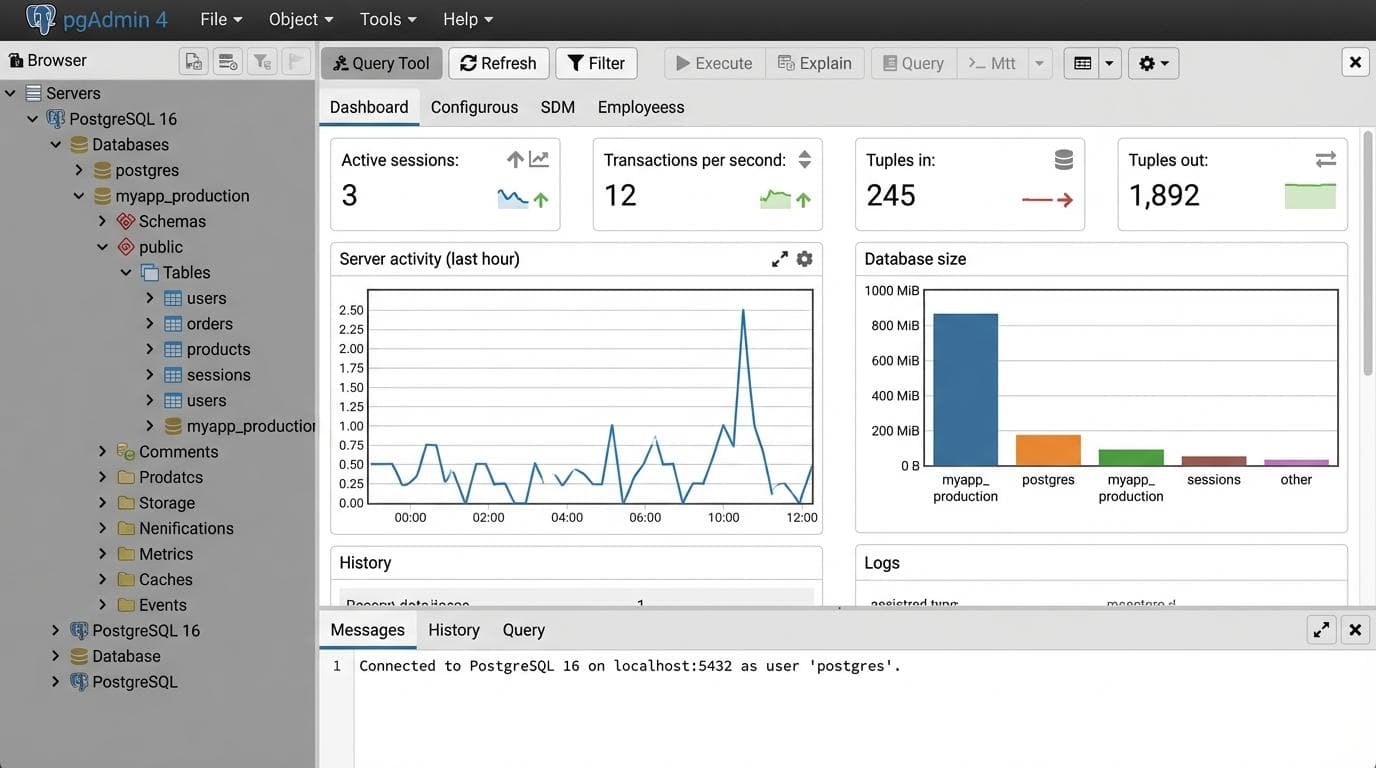
It's solid for PostgreSQL work. It handles PostgreSQL only; teams using other engines need a second tool.
If that is your situation, see the full QueryGlow vs pgAdmin comparison for a breakdown of where each tool fits.
Try QueryGlow: pgAdmin 4 covers PostgreSQL. QueryGlow is a web-based, self-hosted database GUI for six engines that installs on a Linux server with one command (./queryglow install) and updates with ./queryglow update, which backs up first and rolls back on its own if the new version does not come up. See QueryGlow or try the live demo (read-only, AI switched off, no signup). $79 once. No subscription.
Tags:
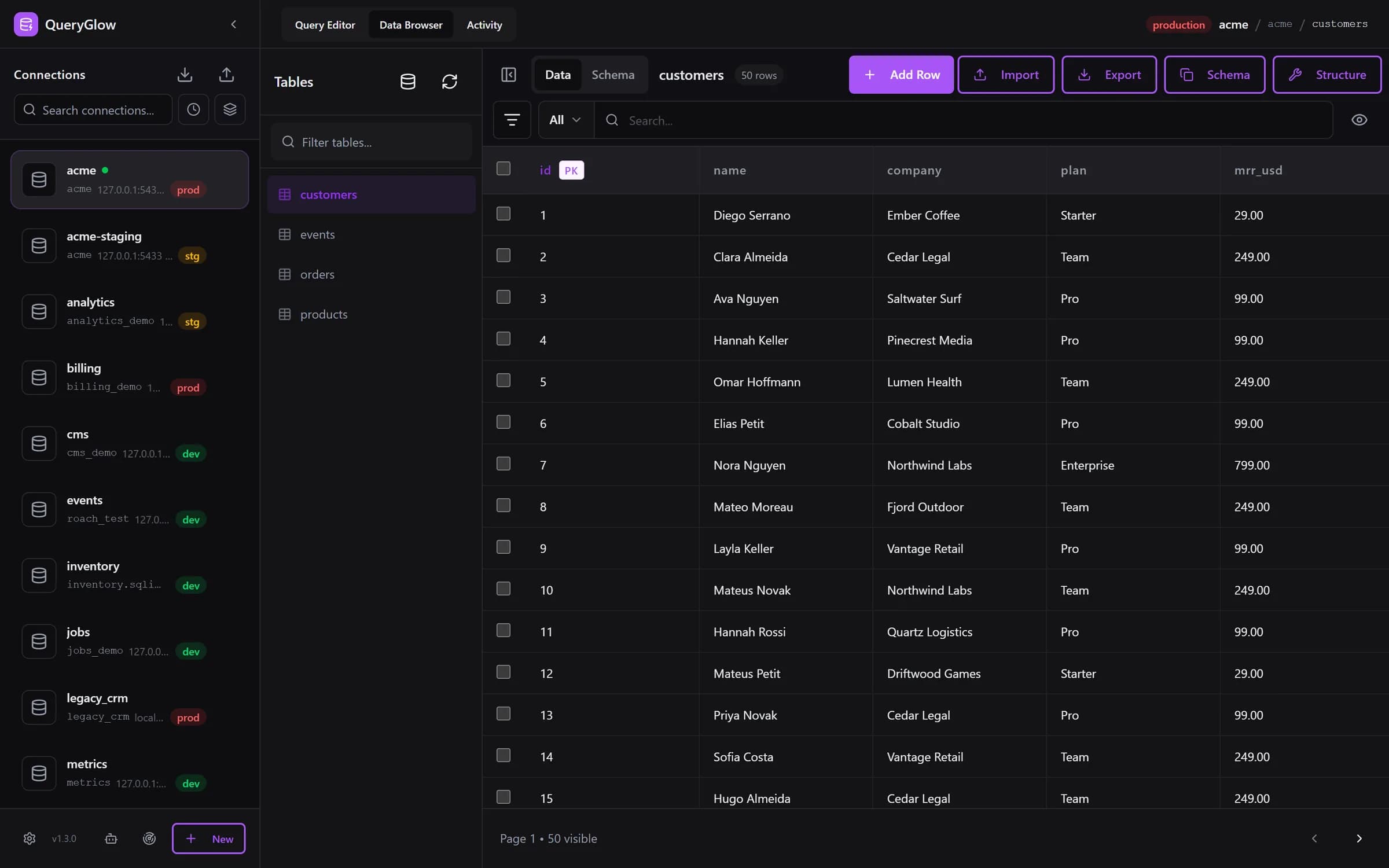
Built by an engineer. The app sends no telemetry.
There's a web-based way to manage PostgreSQL
QueryGlow is web-based and self-hosted. Open a URL, you're in your database. $79 once.
“Beautiful interface and very intuitive.”
Jean-Francois, Mildor Violon, verified customer “I was looking at DBeaver and yours looked a little easier for what I was looking for.”
Mike, verified customer
Stripe checkout. You'll enter your GitHub username for the repo invite. No refunds, so try the read-only demo first.
$79 one-time. Self-hosted. No subscription.