Per-Seat Pricing Kills
Illustration: a per-seat tool at $20 per user per month. 5 devs at $20/seat = $100/month. Hire 5 more? That's $200/month. In 2 years, you've spent $4,800 on a SQL client.
Per-seat tools bill every new hire: DbGate Team Premium is $150 per user per year, CloudBeaver Enterprise $205 per user per year with a 5-user minimum ($1,025 per year), as of September 2026. As you hire, that cost climbs. QueryGlow is $79 once for your whole team, self-hosted on your own infrastructure, so your rows stay on your server. Every 1.x update included.
Illustration: a per-seat tool at $20 per user per month. 10 devs × $20/seat = $2,400/year. Every year. QueryGlow: $79 once. Whole team. Pay once.
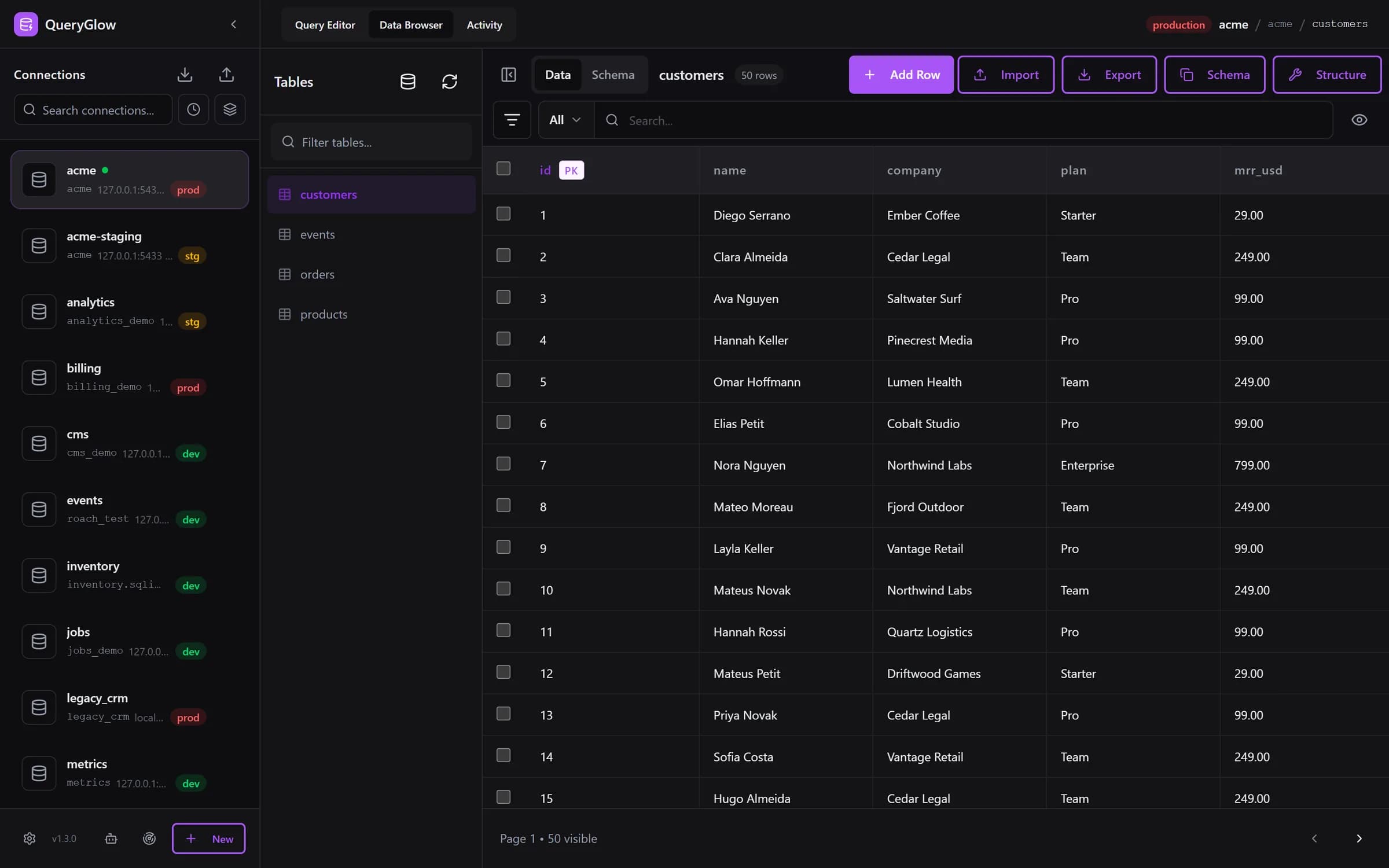
“Beautiful interface and very intuitive.”
You're trying to keep burn low. Your tools are working against you.
Illustration: a per-seat tool at $20 per user per month. 5 devs at $20/seat = $100/month. Hire 5 more? That's $200/month. In 2 years, you've spent $4,800 on a SQL client.
Every new hire increases your monthly SaaS bill. The more successful you are, the more you pay. It's backwards.
Your intern runs DROP TABLE on production. It happens. Best case: an afternoon restoring from backup while the app is down. Worst case: the backup is stale and you're explaining lost data to customers. Safe Mode blocks it before it runs, on by default, and on production the Query Editor asks before any write.
New hire? Download the app. Request a license. Configure VPN. Wait for IT. With QueryGlow: share the URL and the team login, done.
Illustration: a per-seat tool at $20 per user per month vs QueryGlow
| Team Size | Per-Seat SaaS | QueryGlow | You Save |
|---|---|---|---|
| 5 developers | $1,200/year | $79 once | $1,121 |
| 10 developers | $2,400/year | $79 once | $2,321 |
| 20 developers | $4,800/year | $79 once | $4,721 |
| 50 developers | $12,000/year | $79 once | $11,921 |
That's money you can spend on hiring, marketing, or more pizza.
See it before you pay
Open the live demo (read-only sample database, AI switched off), no signup. If it fits, buy once for your whole team.
Stripe checkout. You'll need a GitHub account for the repo invite. No refunds, so try the read-only demo first.
Onboarding with a URL. Safety rails for juniors. AI for non-technical staff. A short compliance story.
Share the URL and the team login with new hires and they're in. No app installs, no license keys. Access from any modern browser.
Your ops person can type "show me all orders from last week" and get SQL from your schema to review and run. AI keys go in the app, with a Test button, so nobody needs shell access to switch it on.
New hire? Share the URL and the login. New database? Paste its connection URL, or use Find databases on this server to add every database a login can open in one go.
Self-hosted: QueryGlow is no third-party processor for your data. The optional AI assistant sends table and column names and your prompt to the AI provider you chose, and browsers load the SQL editor from cdn.jsdelivr.net.
Your distributed team in 5 time zones opens the same databases from anywhere. Each person picks the time zone and date format timestamps are shown in, plus theme, rows per page and shortcuts, saved in their own browser.
Production is red, staging amber, development green, in the sidebar and in the header breadcrumb. On production, the Query Editor shows the statement and asks before any write runs.
Letting coding agents at your database? The database MCP server gives each agent its own read-only token, and every agent call shows up in the Activity tab.
You have features to ship. Don't waste time on infrastructure.
Step 1
Clone the repo
Step 2
./queryglow install (domain, HTTPS, login)
Step 3
Share the URL and the login
Run it on a small VPS at DigitalOcean, Hetzner or AWS Lightsail, wherever your stack lives. You need Docker (512 MB RAM minimum, 1 GB recommended), a domain pointing at the server, and a non-root user with sudo. Later, ./queryglow update backs up first and rolls back on its own if the new version does not come up.
As your stack evolves, you don't need to switch tools.
Try the live demo first: the real app on a sample database, read-only, AI switched off, no signup. If it clicks, grab a lifetime license for $79.
After you pay: a GitHub invite to the private repository, then ./queryglow install on your server. Every 1.x update is one ./queryglow update away.