
Quick Answer: In psql, type
\dtto list the tables in your search_path, which is usually just the public schema. In SQL, runSELECT table_name FROM information_schema.tables WHERE table_schema = 'public' AND table_type = 'BASE TABLE';. PostgreSQL has no SHOW TABLES command.
This page is for you if you come from MySQL and miss SHOW TABLES, or if you just opened psql and face an empty prompt. Every command below ran on PostgreSQL 16 against a small sample database called appdb: a public schema with the table customer and the view recent_customers, and a sales schema with the table orders.
List tables in psql with \dt
\dt\dt lists the tables in the schemas on your search_path. On a default setup that is the public schema, so tables in other schemas stay out of the list. In the sample database the output is:
          List of relations
 Schema |   Name   | Type  |  Owner
--------+----------+-------+----------
 public | customer | table | postgres
(1 row)
The orders table is missing because it lives in the sales schema, which is not on the search_path. System tables are hidden too: by default psql shows only user-created objects.
Tables in one schema
\dt sales.*To list the tables of one schema, write the schema name, a dot and a table name pattern after \dt. The star after the dot matches any table name, so this lists every table in sales, whether or not the schema is on your search_path.
Tables in every schema
\dt *.*With a star on both sides of the dot, psql lists the tables of every schema in the database. Because you passed a pattern, it also includes the system catalogs. In the sample database that came to 111 rows, nearly all of them from pg_catalog, information_schema and pg_toast, with customer and orders at the very end. The SQL queries below give a cleaner list.
Sizes, descriptions and views
\dt+
\dv
Add a plus sign for more columns. \dt+ adds the persistence, the access method, the size on disk and the description you set with COMMENT ON TABLE. \dv lists views instead of tables:
                                            List of relations
 Schema |   Name   | Type  |  Owner   | Persistence | Access method | Size  |         Description
--------+----------+-------+----------+-------------+---------------+-------+-----------------------------
 public | customer | table | postgres | permanent   | heap          | 16 kB | People who bought something
(1 row)

              List of relations
 Schema |       Name       | Type |  Owner
--------+------------------+------+----------
 public | recent_customers | view | postgres
(1 row)
List tables with a SQL query
psql commands only work inside psql. A SQL query works in any client, in scripts and in application code.
information_schema.tables works in any client
SELECT table_schema, table_name
FROM information_schema.tables
WHERE table_type = 'BASE TABLE'
  AND table_schema NOT IN ('pg_catalog', 'information_schema')
ORDER BY table_schema, table_name;
The information schema is defined in the SQL standard, so this query carries over to other databases that implement it. The view holds tables and views, and the table_type filter keeps only the tables. It shows only the tables the current user has access to, as owner or through some privilege:
 table_schema | table_name
--------------+------------
 public       | customer
 sales        | orders
(2 rows)
pg_catalog.pg_tables is PostgreSQL only
SELECT schemaname, tablename
FROM pg_catalog.pg_tables
WHERE schemaname NOT IN ('pg_catalog', 'information_schema')
ORDER BY schemaname, tablename;
pg_tables is a PostgreSQL system view with one row for each table in the database, regardless of your privileges on it.
Include views
SELECT table_schema, table_name, table_type
FROM information_schema.tables
WHERE table_schema NOT IN ('pg_catalog', 'information_schema')
ORDER BY table_schema, table_name;
Drop the table_type filter and select the column instead. table_type is BASE TABLE for a regular table and VIEW for a view:
 table_schema |    table_name    | table_type
--------------+------------------+------------
 public       | customer         | BASE TABLE
 public       | recent_customers | VIEW
 sales        | orders           | BASE TABLE
(3 rows)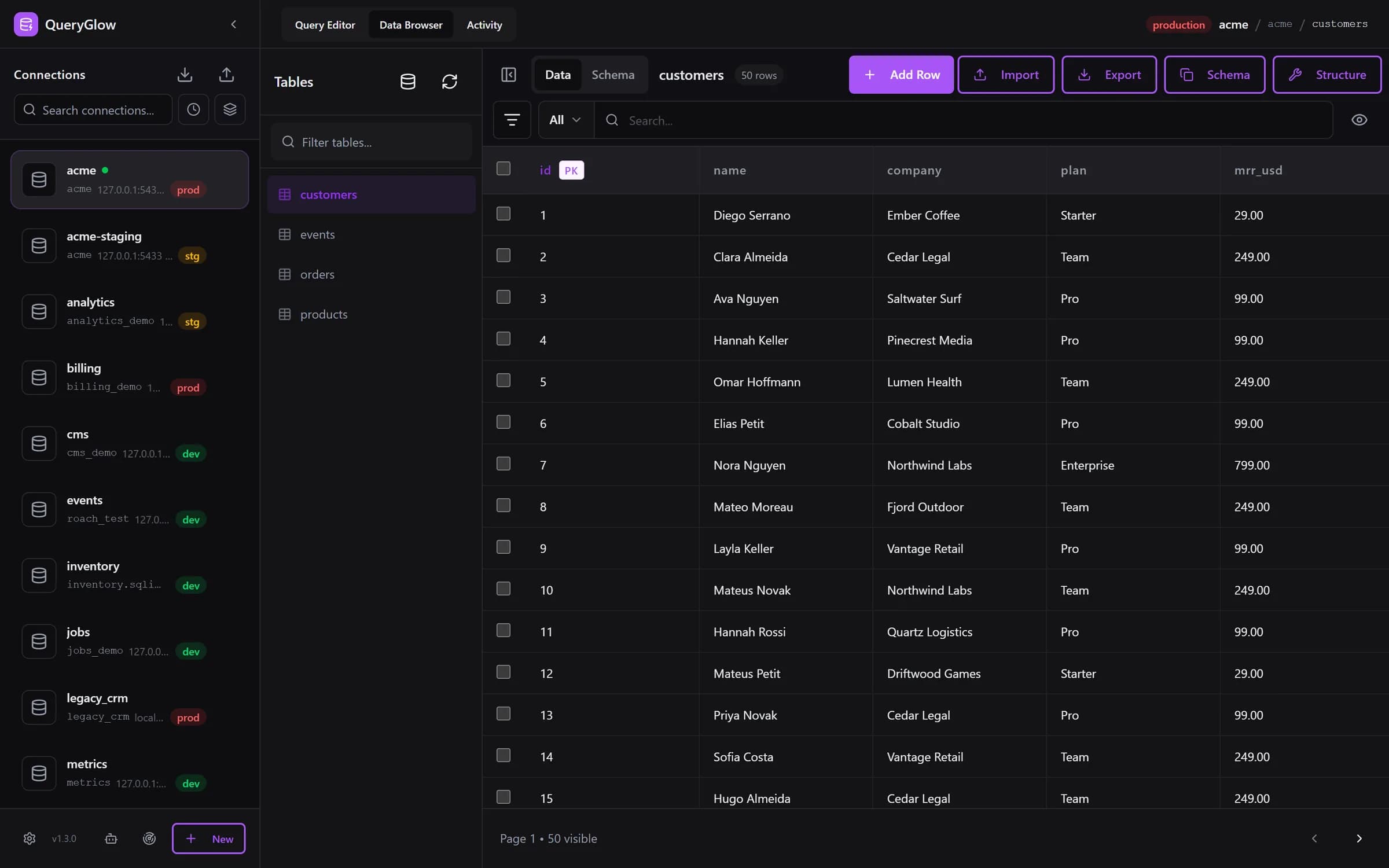
Curious what a web-based database GUI looks like?
QueryGlow runs in your browser from a server you run. Browse, query and edit PostgreSQL, MySQL, SQLite and 3 more engines. $79 once for the whole team.
See the tourList tables sorted by size
SELECT schemaname, relname AS table_name,
       pg_size_pretty(pg_total_relation_size(relid)) AS total_size
FROM pg_catalog.pg_statio_user_tables
ORDER BY pg_total_relation_size(relid) DESC;
pg_total_relation_size counts the table together with all its indexes and TOAST data, and pg_size_pretty turns the bytes into kB, MB or GB. pg_statio_user_tables has one row per user table, so the system catalogs stay out:
 schemaname | table_name | total_size
------------+------------+------------
 public     | customer   | 64 kB
 sales      | orders     | 24 kB
(2 rows)
Why \dt shows nothing
If \dt answers with Did not find any relations., psql found no table in the schemas on your search_path. Two usual causes: you are connected to the wrong database, for example postgres instead of your application database, or your tables live in a schema that is not on the search_path. Check both:
\conninfo
SHOW search_path;
\c appdb
\conninfo shows the database you are connected to, and SHOW search_path; shows the schemas \dt looks in. The default is the schema named after your user, then public:
   search_path
-----------------
 "$user", public
(1 row)
If you are in the wrong database, \c appdb switches to the right one. If the tables sit in another schema, name it in the pattern as shown above. Once you have found the table, you can describe a table in PostgreSQL to see its columns.
PostgreSQL has no SHOW TABLES
appdb=# SHOW TABLES;
ERROR:  unrecognized configuration parameter "tables"
In PostgreSQL, SHOW displays the current value of a run-time parameter such as search_path. SHOW TABLES therefore looks for a setting called tables, finds none and fails. Use \dt in psql, or the information_schema.tables query above in any other client.
See your tables in a GUI
pgAdmin shows the objects of a server in its Object Explorer tree, and DBeaver shows connections, schemas, tables and views in its Connections tree.
If you would rather see the list than type it, a GUI keeps it on screen. In QueryGlow the Data Browser has a Tables panel with a filter box, and a click on a table opens its rows in a grid you can edit. One honest limit: on PostgreSQL that panel lists the base tables of the public schema. Tables in other schemas you query as schema.table in the Query Editor, where every query on this page works as it is.
More commands on one page: the psql commands cheat sheet.
Try QueryGlow: a self-hosted database GUI your team opens in the browser, $79 once for the whole team. Try the live demo (read-only, AI switched off, no signup).
Tags:
Built by an engineer. The app sends no telemetry.
Your database, without the dependencies.
QueryGlow is web-based and self-hosted, source code included. Open a URL from any device, your rows never leave your server. $79 once.
“Beautiful interface and very intuitive.”
Jean-Francois, Mildor Violon, verified customer “I was looking at DBeaver and yours looked a little easier for what I was looking for.”
Mike, verified customer
Stripe checkout. You'll enter your GitHub username for the repo invite. No refunds, so try the read-only demo first.
$79 one-time. Self-hosted. No subscription.