
Quick Answer: In psql, type
\dnto list schemas. In SQL, runSELECT schema_name FROM information_schema.schemata;, which shows the schemas you own or have privileges on, or querypg_namespaceto see all of them.SELECT current_schema();shows where new tables land when you do not name a schema.
A schema is a namespace inside one database, and a database often holds more of them than you see at first. If you are still deciding between schemas and separate databases, read schema vs database in PostgreSQL first. Every command below ran on PostgreSQL 16 against a sample database with a public and a sales schema.
List schemas in psql with \dn
\dn\dn+\dn lists the schemas of the current database with their owner and leaves out system schemas such as pg_catalog. On the test database it printed:
      List of schemas
  Name  |       Owner
--------+-------------------
 public | pg_database_owner
 sales  | postgres
(2 rows)
public belongs to pg_database_owner, a predefined role whose only member is the owner of the current database. \dn+ adds two columns. Access privileges showed that pg_database_owner holds USAGE and CREATE on public (the letters U and C) and that everyone else has USAGE, and the Description of public reads standard public schema.
List schemas with a SQL query
Two catalogs answer the question in SQL, and they do not always return the same list.
information_schema.schemata shows what you can access
SELECT schema_name
FROM information_schema.schemata
ORDER BY schema_name;
information_schema.schemata contains the schemas in the current database that the current user has access to, by owning them or by holding some privilege on them. Connected as the superuser postgres, the test run returned all five:
    schema_name
--------------------
 information_schema
 pg_catalog
 pg_toast
 public
 sales
(5 rows)
A role with fewer rights sees fewer rows. A schema that is missing from this list can simply mean that you have no privilege on it.
pg_namespace shows every schema
SELECT nspname AS schema_name
FROM pg_catalog.pg_namespace
WHERE nspname NOT LIKE 'pg\_%'
  AND nspname <> 'information_schema'
ORDER BY nspname;
pg_namespace is the system catalog that stores every schema in the database. The first filter hides pg_catalog, pg_toast and the other schemas whose names start with pg_, with the underscore escaped because LIKE treats _ as a wildcard. The second filter hides information_schema. What remains are your own schemas:
 schema_name
-------------
 public
 sales
(2 rows)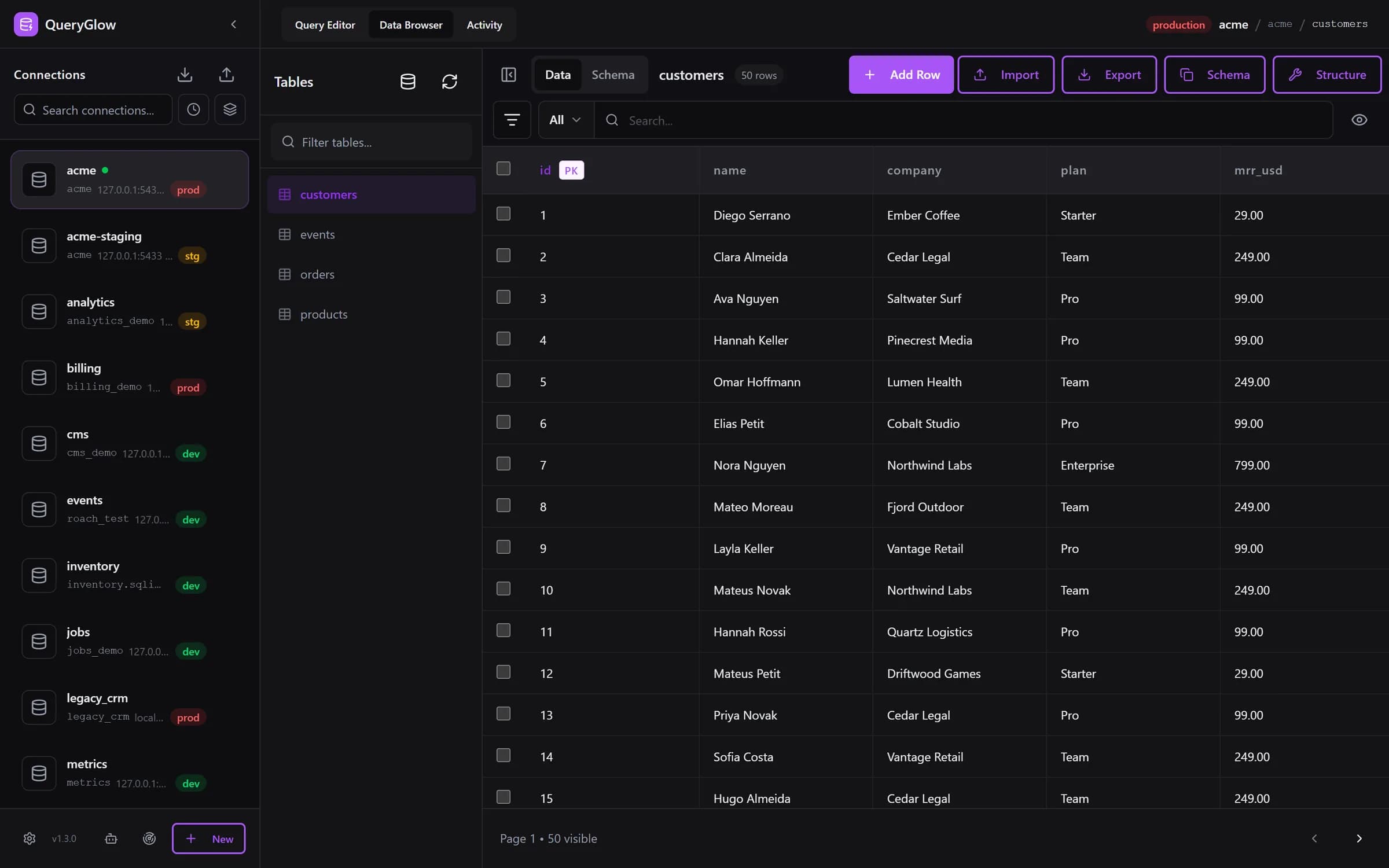
Curious what a web-based database GUI looks like?
QueryGlow runs in your browser from a server you run. Browse, query and edit PostgreSQL, MySQL, SQLite and 3 more engines. $79 once for the whole team.
See the tourCurrent schema and search_path
SELECT current_schema();
SHOW search_path;SET search_path TO sales, public;current_schema returns the first schema on the search_path that exists. That is where CREATE TABLE puts a new table when you do not name a schema, and the first schema on the search_path that PostgreSQL checks for a table name without a schema. On the test server it returned public, and SHOW search_path printed:
   search_path
-----------------
 "$user", public
(1 row)
"$user" stands for a schema with the same name as the current role. The test database has no schema called postgres, so PostgreSQL skips that entry and public comes first.
After SET search_path TO sales, public, SHOW search_path returned sales, public and current_schema returned sales. From then on new tables land in sales, and a bare orders finds sales.orders. SET changes only the current session; the next connection starts with the default search_path again.
This also explains a classic surprise: a table that clearly exists, yet PostgreSQL says it does not. The table sits in a schema that is not on your search_path. Either write the name with its schema, as in sales.orders, or put the schema on the search_path.
List the tables in one schema
\dt sales.*The part before the dot picks the schema and the wildcard after it matches every table in it, whatever your search_path says. On the test database it listed one table:
         List of relations
 Schema |  Name  | Type  |  Owner
--------+--------+-------+----------
 sales  | orders | table | postgres
(1 row)
There are more ways to list the tables in one schema, including a SQL query.
Schemas in a GUI
Schemas are the weak spot of QueryGlow on PostgreSQL, so plainly: the Tables panel and autocomplete cover the public schema. Tables in other schemas you query as schema.table in the Query Editor, where the queries on this page work as they are, but there is no schema tree. If browsing many schemas is your daily work, pgAdmin and DBeaver show every schema in a tree.
More commands on one page: the psql commands cheat sheet.
Try QueryGlow: a self-hosted database GUI your team opens in the browser, $79 once for the whole team. Try the live demo (read-only, AI switched off, no signup).
Tags:
Built by an engineer. The app sends no telemetry.
Your database, without the dependencies.
QueryGlow is web-based and self-hosted, source code included. Open a URL from any device, your rows never leave your server. $79 once.
“Beautiful interface and very intuitive.”
Jean-Francois, Mildor Violon, verified customer “I was looking at DBeaver and yours looked a little easier for what I was looking for.”
Mike, verified customer
Stripe checkout. You'll enter your GitHub username for the repo invite. No refunds, so try the read-only demo first.
$79 one-time. Self-hosted. No subscription.