
Quick Answer: In psql, type
\lto list all databases, or runpsql -lfrom your shell. In SQL, runSELECT datname FROM pg_database WHERE datistemplate = false;. Switch to another database with\c dbname.
This page is for anyone who needs to see which databases a PostgreSQL server holds, whether from the psql prompt, from the shell or with plain SQL. Every command below ran on PostgreSQL 16 against a fresh server with one sample database called appdb next to the defaults.
List databases in psql with \l
\l\l lists every database on the server with its owner, encoding, locale settings and access privileges. On the test server it printed:
                                                  List of databases
   Name    |  Owner   | Encoding | Locale Provider | Collate | Ctype | ICU Locale | ICU Rules |   Access privileges
-----------+----------+----------+-----------------+---------+-------+------------+-----------+-----------------------
 appdb     | postgres | UTF8     | libc            | C       | C     |            |           |
 postgres  | postgres | UTF8     | libc            | C       | C     |            |           |
 template0 | postgres | UTF8     | libc            | C       | C     |            |           | =c/postgres          +
           |          |          |                 |         |       |            |           | postgres=CTc/postgres
 template1 | postgres | UTF8     | libc            | C       | C     |            |           | =c/postgres          +
           |          |          |                 |         |       |            |           | postgres=CTc/postgres
(4 rows)
Besides appdb you see three databases that every new cluster has. postgres is the default database to connect to when you have no other. template1 is the template that CREATE DATABASE copies by default, so anything you add to it shows up in every new database. template0 is a pristine copy of the standard objects that should never be changed. An empty Access privileges column means the database still has the default privileges.
From the shell with psql -l
psql -h localhost -U postgres -lpsql -l connects, prints the same list as \l and exits, which is handy in scripts and when you only need a quick look.
Sizes and descriptions with \l+
\l+\l+ adds the size, the default tablespace and the description of each database. On the test server appdb came to 8036 kB, and the descriptions call postgres the default administrative connection database and template1 the default template for new databases. Sizes appear only for databases you have the CONNECT privilege on, unless you are a superuser or have the privileges of the pg_read_all_stats role.
List databases with a SQL query
SELECT datname
FROM pg_database
WHERE datistemplate = false
ORDER BY datname;
The pg_database system catalog stores one row for each database on the server. Its datistemplate column marks databases that are meant as templates for CREATE DATABASE, which on a default server are template0 and template1. Filtering them out leaves the databases you actually work in:
 datname
----------
 appdb
 postgres
(2 rows)
Once you know the name, connect to it and list the tables in a database.
Owners and sizes
SELECT d.datname AS database,
       pg_get_userbyid(d.datdba) AS owner,
       pg_size_pretty(pg_database_size(d.datname)) AS size
FROM pg_database d
WHERE d.datistemplate = false
ORDER BY pg_database_size(d.datname) DESC;
pg_get_userbyid turns the owner's role ID into a name, pg_database_size returns the disk space a database uses in bytes, and pg_size_pretty formats it. The largest database comes first:
 database |  owner   |  size
----------+----------+---------
 appdb    | postgres | 8036 kB
 postgres | postgres | 7844 kB
(2 rows)
Only the databases you can connect to
SELECT datname
FROM pg_database
WHERE datistemplate = false
  AND has_database_privilege(datname, 'CONNECT')
ORDER BY datname;
has_database_privilege checks whether the current user holds the CONNECT privilege on each database. New databases grant CONNECT to PUBLIC by default, so on many servers this query returns the same list as the one above. It only filters out databases where CONNECT was revoked from PUBLIC and never granted to you.
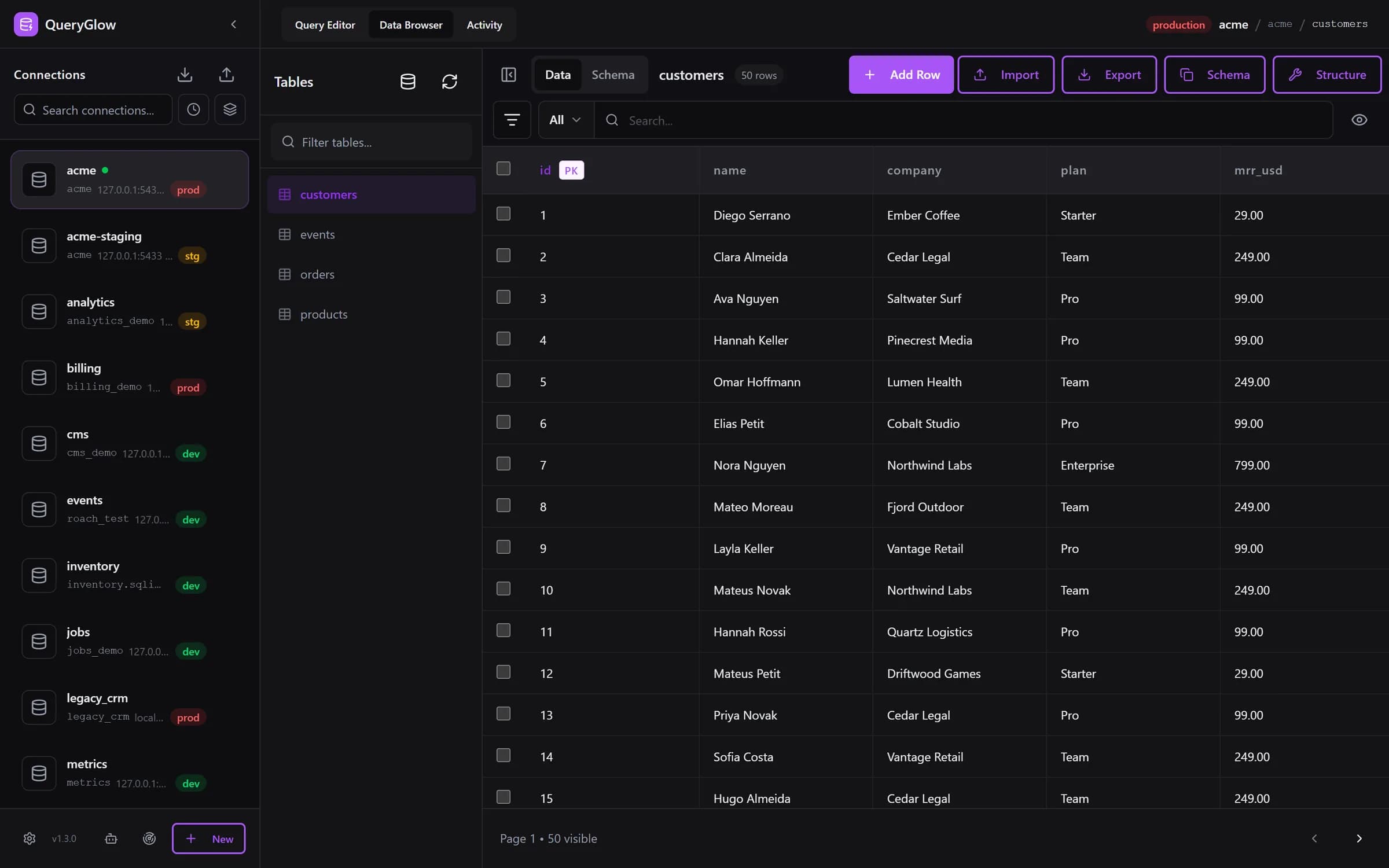
Curious what a web-based database GUI looks like?
QueryGlow runs in your browser from a server you run. Browse, query and edit PostgreSQL, MySQL, SQLite and 3 more engines. $79 once for the whole team.
See the tourSwitch to another database
\c appdbpsql "postgresql://postgres@localhost:5432/appdb"PostgreSQL has no USE statement. A connection always belongs to one database, so to switch, psql opens a new connection: \c appdb connects to appdb and confirms with You are now connected to database "appdb" as user "postgres". From the shell, name the database when you start psql, for example at the end of a connection URI as shown above.
Which database am I connected to?
SELECT current_database();current_database returns the name of the database of the current connection:
 current_database
------------------
 appdb
(1 row)
In psql, \conninfo shows the database together with the user, host and port.
See all databases in a GUI
DBeaver shows the databases of a connection in its Connections tree, and pgAdmin shows the objects of a server in its Object Explorer tree.
QueryGlow runs the CONNECT privilege query from above for you. Find databases on this server logs in once with the details you enter, lists the databases that user can open (templates left out), and adds the ones you tick as connections in one step. The sidebar then shows every database with its host and a development, staging or production tag.
More commands on one page: the psql commands cheat sheet.
Try QueryGlow: a self-hosted database GUI your team opens in the browser, $79 once for the whole team. Try the live demo (read-only, AI switched off, no signup).
Tags:
Built by an engineer. The app sends no telemetry.
Your database, without the dependencies.
QueryGlow is web-based and self-hosted, source code included. Open a URL from any device, your rows never leave your server. $79 once.
“Beautiful interface and very intuitive.”
Jean-Francois, Mildor Violon, verified customer “I was looking at DBeaver and yours looked a little easier for what I was looking for.”
Mike, verified customer
Stripe checkout. You'll enter your GitHub username for the repo invite. No refunds, so try the read-only demo first.
$79 one-time. Self-hosted. No subscription.