
Quick Answer: MySQL has no
SHOW USERScommand. RunSELECT user, host FROM mysql.user;to list every account (you need the SELECT privilege on mysql.user for that),SELECT CURRENT_USER();to see which account you are logged in as, andSHOW GRANTS FOR 'app_reader'@'%';to see what an account may do.
This guide is for anyone who needs to know which accounts exist on a MySQL server, what each one may do and who is connected right now. Every command on this page ran on MySQL 8.4 against a sample server with the accounts app_reader, app_writer and a locked old_admin. The outputs below are copied from that run.
List all users from mysql.user
MySQL keeps its accounts in the table user of the system database mysql. A SELECT on that table is the user list:
SELECT user, host FROM mysql.user ORDER BY user, host;On the sample server it returns eight rows:
+------------------+-----------+
| user             | host      |
+------------------+-----------+
| app_reader       | %         |
| app_writer       | 10.0.0.%  |
| mysql.infoschema | localhost |
| mysql.session    | localhost |
| mysql.sys        | localhost |
| old_admin        | localhost |
| root             | %         |
| root             | localhost |
+------------------+-----------+
Reading mysql.user needs the SELECT privilege on it, though. An account without that privilege gets an error instead of a list. This is app_reader running a SELECT on mysql.user from the shell:
ERROR 1142 (42000) at line 1: SELECT command denied to user 'app_reader'@'localhost' for table 'user'If you see it, log in with an administrative account such as root and run the query again.
A user is a name plus a host
Look at the rows again: root appears twice. In MySQL an account is the user name and the host together, so root@% and root@localhost are two separate accounts. The host column says where an account may connect from. The % works as it does in LIKE and stands for any characters, so app_writer may only connect from addresses that match 10.0.0.%, and % alone matches any host.
The three accounts mysql.infoschema, mysql.session and mysql.sys exist on a fresh MySQL 8.4 server. They are locked, as the query on locked accounts below shows. Leave them alone; they come with the server.
List each user name once
If you only want the names and not every pair of name and host, DISTINCT folds the two root rows into one:
SELECT DISTINCT user FROM mysql.user ORDER BY user;This list hides the host, so root shows up once even though the server has two root accounts.
Show the current user
Two functions tell you who you are on the current connection:
SELECT CURRENT_USER(), USER();+----------------+----------------+
| CURRENT_USER() | USER() |
+----------------+----------------+
| root@% | [email protected] |
+----------------+----------------+They answer different questions. USER() shows the name and the host the client connected from, here [email protected]. CURRENT_USER() shows the account MySQL matched it to, here root@%. On a server with two root accounts that difference matters: this login came in over 127.0.0.1 and landed on root@%, not on root@localhost.
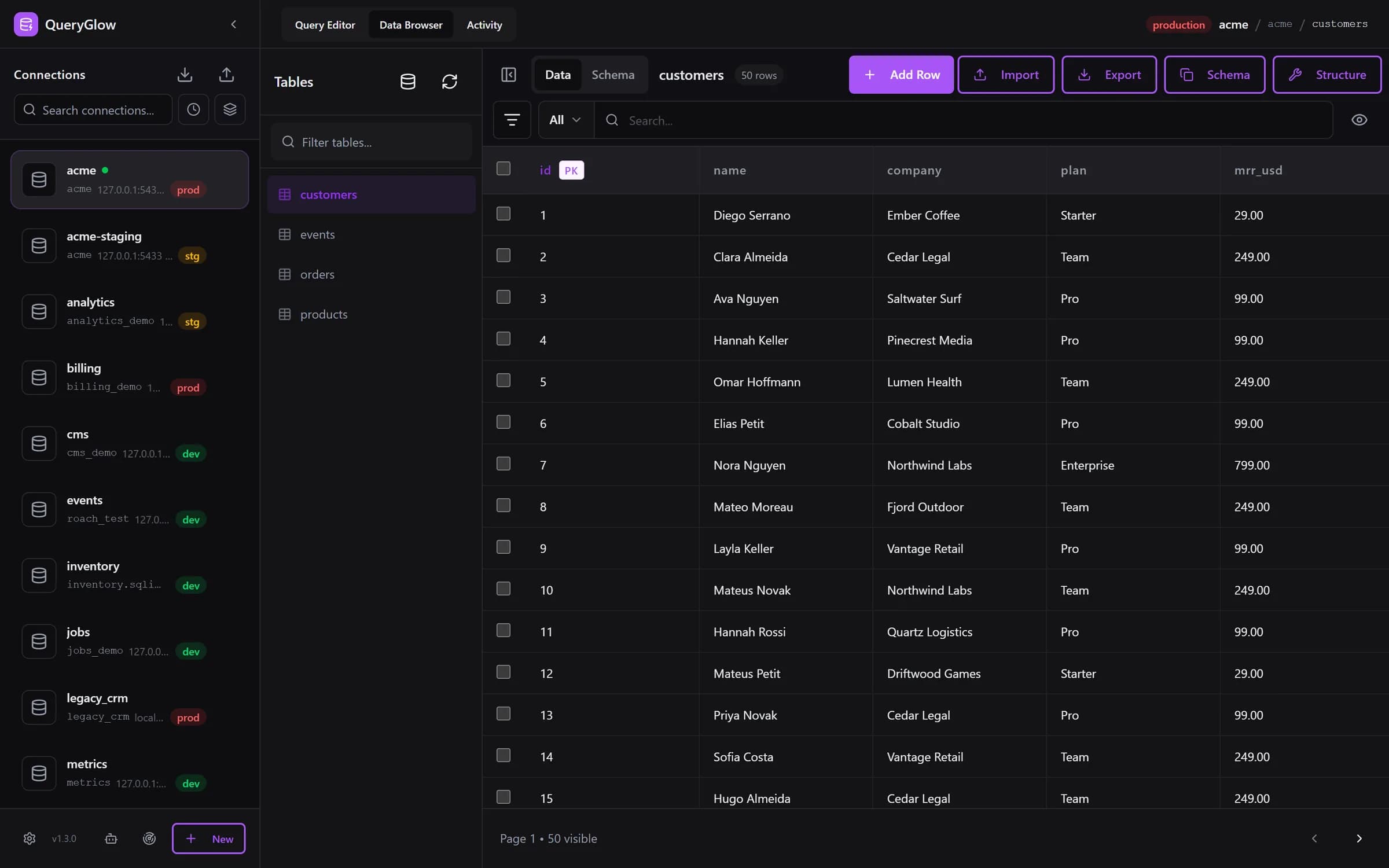
Curious what a web-based database GUI looks like?
QueryGlow runs in your browser from a server you run. Browse, query and edit PostgreSQL, MySQL, SQLite and 3 more engines. $79 once for the whole team.
See the tourShow the privileges of a user
SHOW GRANTS FOR takes the full account name, user and host in quotes:
SHOW GRANTS FOR 'app_reader'@'%';+-----------------------------------------------+
| Grants for app_reader@% |
+-----------------------------------------------+
| GRANT USAGE ON *.* TO `app_reader`@`%` |
| GRANT SELECT ON `appdb`.* TO `app_reader`@`%` |
+-----------------------------------------------+Read it line by line. The USAGE line grants nothing on its own: app_reader has no privilege on the whole server. The second line is the real privilege, SELECT on every table in appdb. So app_reader may read appdb and nothing more, which is why it could not read mysql.user above. The same statement for app_writer at 10.0.0.% shows SELECT, INSERT, UPDATE and DELETE on appdb. An account like app_reader also sees fewer databases than the server has; the guide on how to list databases in MySQL explains why.
To check your own privileges, leave out FOR:
SHOW GRANTS;Without FOR, SHOW GRANTS shows the privileges of the account you are logged in as. In the sample run, logged in as root, it prints the grants for root@%: a long list of privileges on the whole server, with GRANT OPTION.
Show locked and expired accounts
mysql.user also records the state of each account. This query adds two of those columns to the list:
SELECT user, host, account_locked, password_expired
FROM mysql.user
ORDER BY user, host;+------------------+-----------+----------------+------------------+
| user | host | account_locked | password_expired |
+------------------+-----------+----------------+------------------+
| app_reader | % | N | N |
| app_writer | 10.0.0.% | N | N |
| mysql.infoschema | localhost | Y | N |
| mysql.session | localhost | Y | N |
| mysql.sys | localhost | Y | N |
| old_admin | localhost | Y | N |
| root | % | N | N |
| root | localhost | N | N |
+------------------+-----------+----------------+------------------+account_locked and password_expired are Y or N. On the sample server old_admin and the three mysql accounts are locked, and no account has an expired password. To see only the locked ones, add WHERE account_locked = 'Y' before the ORDER BY.
Show who is connected right now
To see which accounts are connected right now, ask for the process list:
SHOW PROCESSLIST;The same list is a table in performance_schema, so you can pick columns, filter and sort it like any other query:
SELECT user, host, db, command
FROM performance_schema.processlist
ORDER BY user;
Both list the open connections with the user, the host and the current database. For a TCP connection the host column carries the client port as well, so root shows up as 127.0.0.1 followed by a colon and a port number. The user event_scheduler, with the command Daemon and the host localhost, is not a client at all: it is a thread of the server itself.
MySQL has no SHOW USERS
SHOW USERS looks like the natural command, but MySQL rejects it:
mysql -u root -p -e "SHOW USERS;"ERROR 1064 (42000) at line 1: You have an error in your SQL syntax; check the manual that corresponds to your MySQL server version for the right syntax to use near 'USERS' at line 1Error 1064 is a syntax error: SHOW USERS is not a statement MySQL knows, and the message points at the word USERS. The accounts live in mysql.user, and the SELECT at the top of this page is the way to list them. In the command, -u names the account, -p without a value prompts for the password, and -e runs the statement and exits.
Work with users in a GUI
A GUI shows the accounts you connect with, but it does not replace the GRANT statements above: what an account may do is still decided in MySQL.
QueryGlow has no user editor, and it does not need one: it connects as whatever MySQL account you put in the connection. A read-only account like app_reader above is a good fit for a team that shares one GUI, because nobody can change data through it, not even by accident. On top of that, Safe Mode in QueryGlow blocks DELETE and UPDATE without WHERE, TRUNCATE and DROP by default.
Try QueryGlow: a self-hosted database GUI your team opens in the browser, $79 once for the whole team. Try the live demo (read-only, AI switched off, no signup).
Tags:
Built by an engineer. The app sends no telemetry.
Your database, without the dependencies.
QueryGlow is web-based and self-hosted, source code included. Open a URL from any device, your rows never leave your server. $79 once.
“Beautiful interface and very intuitive.”
Jean-Francois, Mildor Violon, verified customer “I was looking at DBeaver and yours looked a little easier for what I was looking for.”
Mike, verified customer
Stripe checkout. You'll need a GitHub account for the repo invite. No refunds, so try the read-only demo first.
$79 one-time. Self-hosted. No subscription.