
Quick Answer: Run
SHOW DATABASES;to list every database your account can see.SHOW DATABASES LIKE 'app%';filters by name, and in any clientSELECT schema_name FROM information_schema.schemata;returns the same list. From the shell:mysql -u root -p -e "SHOW DATABASES;".
This guide is for anyone who needs to see which databases a MySQL server holds, whether you just got access to a new server or want to check what is on an old one. Every command on this page ran on MySQL 8.4 against a sample server with two databases of its own, appdb and analytics. The outputs below are copied from that run.
List databases with SHOW DATABASES
The shortest way is the SHOW DATABASES statement. Run it in the mysql client or in any SQL editor that is connected to the server:
SHOW DATABASES;On the sample server it returns six rows:
+--------------------+
| Database           |
+--------------------+
| analytics          |
| appdb              |
| information_schema |
| mysql              |
| performance_schema |
| sys                |
+--------------------+
appdb and analytics are the two sample databases. The other four were already there on the fresh MySQL 8.4 server before anything else was created: information_schema, mysql, performance_schema and sys. Those four are the system databases, and the queries further down show how to leave them out of the list.
Filter by name with LIKE
When a server holds many databases, add LIKE and a pattern. The % stands for any characters, so this returns every database whose name starts with app:
SHOW DATABASES LIKE 'app%';On the sample server only appdb matches. The column header changes as well and shows the pattern you used:
+-----------------+
| Database (app%) |
+-----------------+
| appdb           |
+-----------------+
SHOW SCHEMAS is the same command
MySQL treats schema and database as the same thing, so you can also write SCHEMAS:
SHOW SCHEMAS;The output on the sample server is identical to SHOW DATABASES, row for row. Use whichever word your team is used to; the rest of this page sticks to SHOW DATABASES.
List databases with a SQL query
A SELECT on information_schema.schemata returns the same list as a regular result set. That works in any client, in scripts and in application code, and you can add WHERE and ORDER BY like on any other query:
SELECT schema_name
FROM information_schema.schemata
ORDER BY schema_name;
The six names match SHOW DATABASES. One detail from the run: the column comes back as SCHEMA_NAME in capitals, even though the query writes schema_name in lower case. If your code reads the column by name, use the capitalized name or set your own name with AS, as the size query further down does.
Hide the system databases
Because this is a normal query, a WHERE clause with NOT IN leaves out the four system databases:
SELECT schema_name
FROM information_schema.schemata
WHERE schema_name NOT IN ('information_schema', 'mysql', 'performance_schema', 'sys')
ORDER BY schema_name;
On the sample server only analytics and appdb remain. This is usually the list you want when you look for your own data, and the same WHERE line works in the next queries on this page.
Character set and collation
The same view has more columns than the name. Two of them show the default character set and the default collation of each database:
SELECT schema_name, default_character_set_name, default_collation_name
FROM information_schema.schemata
WHERE schema_name NOT IN ('information_schema', 'mysql', 'performance_schema', 'sys')
ORDER BY schema_name;
Both sample databases were created without any options, and in the log both got utf8mb4 with the collation utf8mb4_0900_ai_ci. The query is a quick way to compare those defaults across all your databases at once.
Curious what a web-based database GUI looks like?
QueryGlow runs in your browser from a server you run. Browse, query and edit PostgreSQL, MySQL, SQLite and 3 more engines. $79 once for the whole team.
See the tourList databases from the shell
You do not have to open an interactive session to get the list. The mysql client can run one statement and exit:
mysql -u root -p -e "SHOW DATABASES;"-u root names the account to log in as. -p without a value makes the client prompt for the password, so the password is not part of the command. -e runs the statements in quotes and exits. In the harness run, where the output went to a log file, the client printed one plain name per line with no box around it.
You can also type the password right after -p, with no space in between. That works, but MySQL then prints a warning that this can be insecure: mysql: [Warning] Using a password on the command line interface can be insecure.
List databases with their size
information_schema.tables holds size numbers for every table, and GROUP BY adds them up per database:
SET SESSION information_schema_stats_expiry = 0;
SELECT table_schema AS database_name,
       ROUND(SUM(data_length + index_length) / 1024 / 1024, 2) AS size_mb
FROM information_schema.tables
WHERE table_schema NOT IN ('information_schema', 'mysql', 'performance_schema', 'sys')
GROUP BY table_schema
ORDER BY size_mb DESC;
The first line makes the session read fresh statistics instead of cached ones. information_schema_stats_expiry is 86400 seconds by default, one day, so without that line the sizes can be up to a day old. size_mb counts data and indexes together, in megabytes rounded to two decimal places. A database without any table does not appear in this list at all, because the query groups over tables; use the schemata query above when you need every name.
Why some databases are missing
If a database you know exists does not show up, check the account you are logged in with. SHOW DATABASES and information_schema list only the databases the account has some privilege on. On the sample server, app_reader may only run SELECT in appdb, and this is what it sees:
Database
appdb
information_schema
performance_schema
analytics, mysql and sys are missing, even though they exist. To let an account see every database, grant it the SHOW DATABASES privilege:
GRANT SHOW DATABASES ON *.* TO 'app_reader'@'%';After this GRANT, app_reader sees all six databases. The privilege applies to the whole server, not to one database, so give it only to accounts that need the full list.
Which database am I using?
SHOW DATABASES tells you what exists, not which database you are working in. DATABASE() returns the current default database:
USE appdb;
SELECT DATABASE();
In the log it returns appdb, set by the USE line just above it. Once you know the name, switch to it with USE and list the tables in a database.
See all databases in a GUI
If you check this list often, a GUI keeps it on screen instead of in your terminal scrollback.
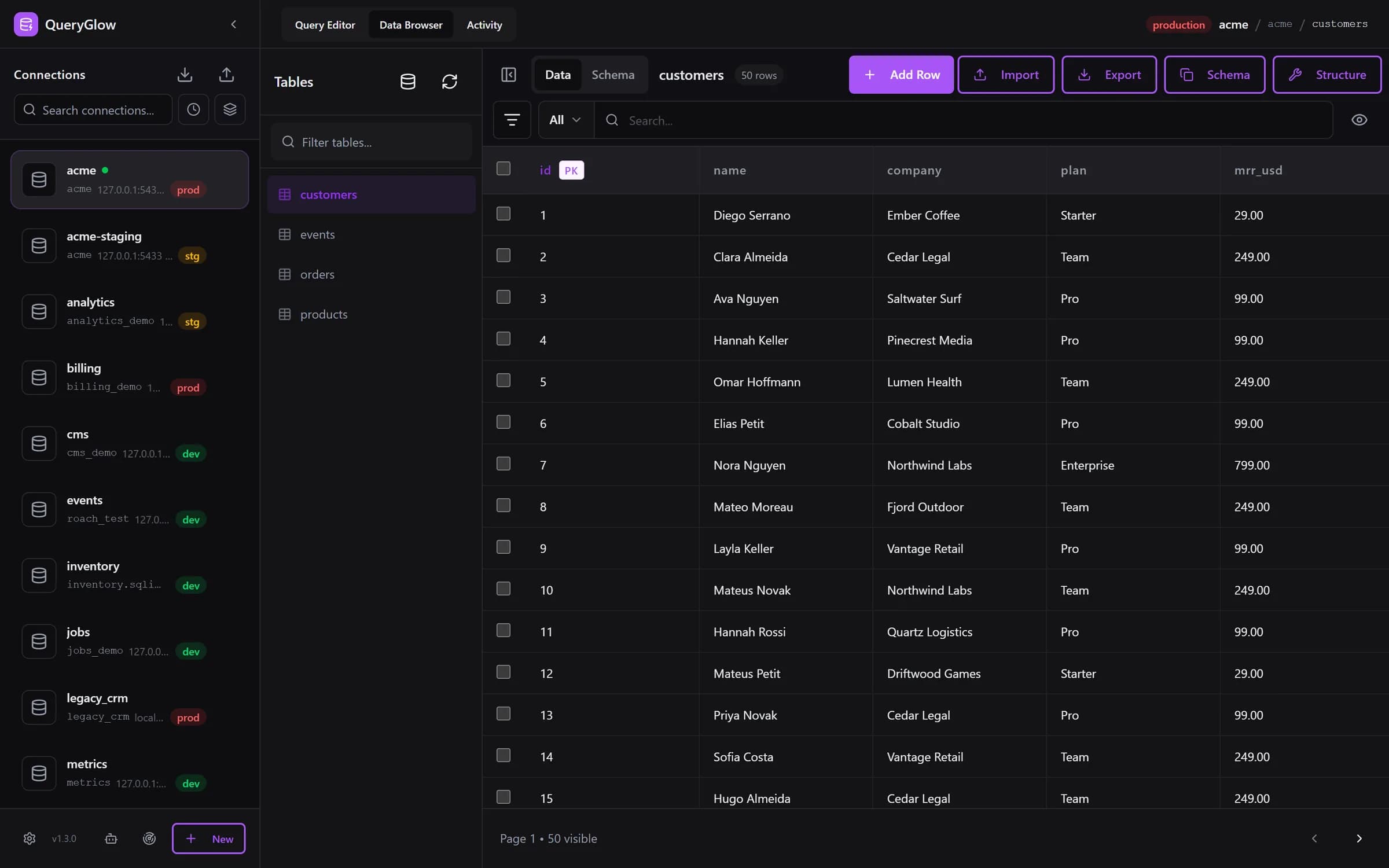
QueryGlow runs a query like the information_schema one above for you. Find databases on this server logs in once with the details you enter, lists the databases that account can see, leaves out information_schema, mysql, performance_schema and sys, and adds the ones you tick as connections in one step. The sidebar then shows every database with its host and a development, staging or production tag.
Try QueryGlow: a self-hosted database GUI your team opens in the browser, $79 once for the whole team. Try the live demo (read-only, AI switched off, no signup).
Tags:
Built by an engineer. The app sends no telemetry.
Your database, without the dependencies.
QueryGlow is web-based and self-hosted, source code included. Open a URL from any device, your rows never leave your server. $79 once.
“Beautiful interface and very intuitive.”
Jean-Francois, Mildor Violon, verified customer “I was looking at DBeaver and yours looked a little easier for what I was looking for.”
Mike, verified customer
Stripe checkout. You'll need a GitHub account for the repo invite. No refunds, so try the read-only demo first.
$79 one-time. Self-hosted. No subscription.