SQLite Viewer
Open a .db, .sqlite or .sqlite3 file and browse its tables, columns, indexes and schema right here. The file is read by SQLite compiled to WebAssembly inside your browser.
Runs in your browser. Nothing is uploaded.
The file is read in your browser and never uploaded.
Databases in WAL mode: changes still in the -wal file are not included unless the database was checkpointed.
How to open a SQLite file online
- Choose a file with the button above, or drag it onto the drop zone. No file at hand? Open the sample database to see how the viewer works.
- Pick a table or view from the list. Each entry shows its row count, so you can spot the large tables first.
- Switch between Data and Schema. Data shows 100 rows per page, and long text values are shortened until you click show. Schema lists the columns with their types, the foreign keys, the indexes and the original CREATE statement, which you can copy.
How to tell a file is SQLite
Every SQLite database starts with a 16 byte header: the text SQLite format 3 followed by a NUL byte. Common extensions are .db, .sqlite and .sqlite3, but the extension proves nothing. Not every .db file is SQLite, so the viewer checks the header first and tells you when a file is something else.
Where SQLite files come from
SQLite is the database inside many mobile apps, web browsers and desktop applications, which keep history, settings and caches in it. Small web apps often use one SQLite file as their whole database, and data exports are sometimes shipped as a .sqlite file too.
Limits
- The viewer is read-only. Nothing is written back to your file.
- The whole file is loaded into memory, so very large files depend on how much memory your device has.
- Databases in WAL mode keep recent changes in a separate -wal file. Those changes are not included unless the database was checkpointed before you copied it.
When the SQLite file lives on a server
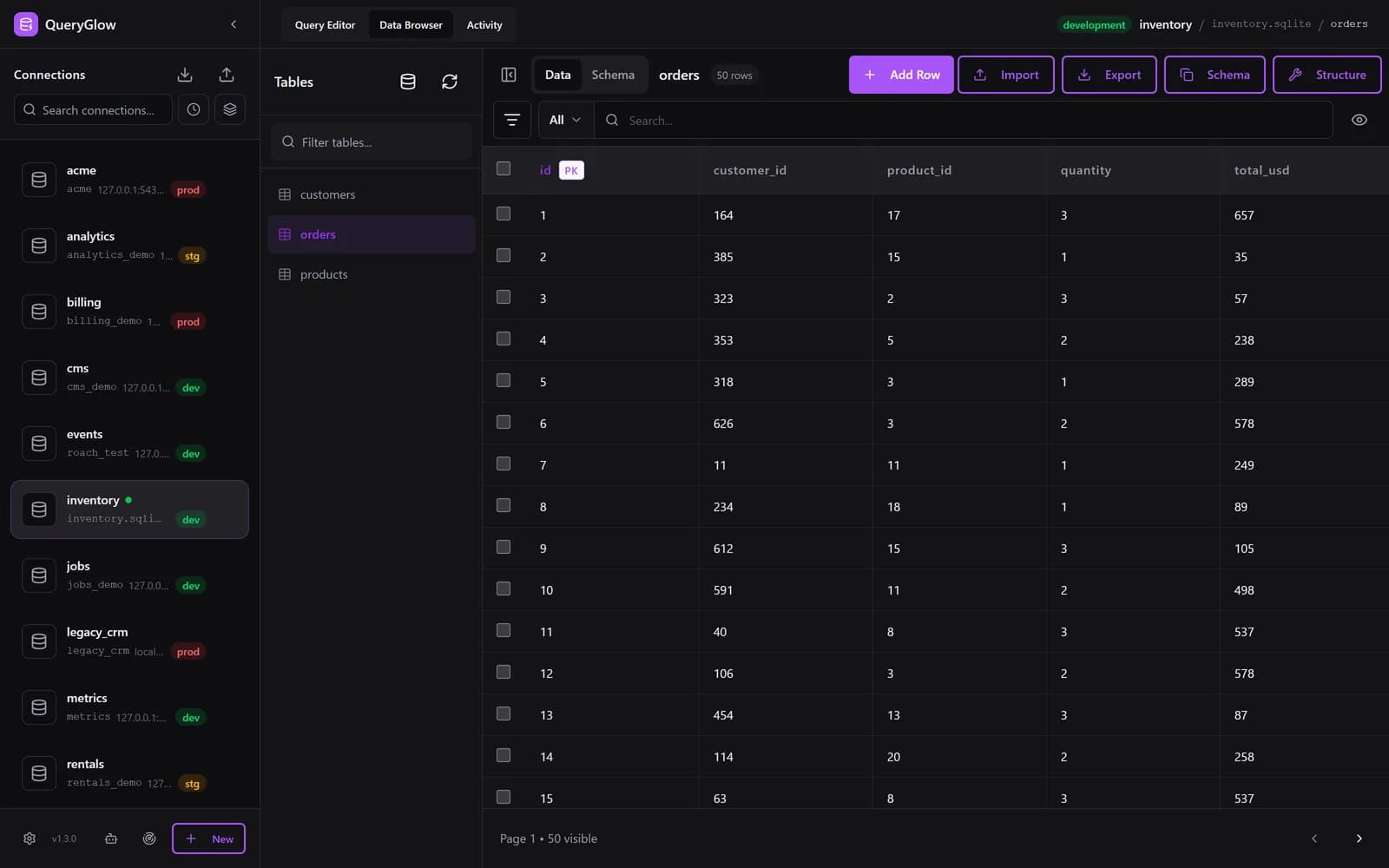
Viewing a local file is free here. When the database sits on a server and your team needs to browse and edit it, QueryGlow runs next to it and everyone opens it in a browser: inline editing, CSV import and export, and Safe Mode on by default. It is a self-hosted SQLite web GUI, $79 once for the whole team.
Stripe checkout. You'll enter your GitHub username for the repo invite. No refunds, so try the read-only demo first.
FAQ
Is my database uploaded anywhere?
No. The file is read by SQLite running as WebAssembly in your browser tab. Nothing is sent to a server, and closing the tab discards it.
Can I edit the data?
Not here; this viewer is read-only. To edit a SQLite database that lives on a server, QueryGlow gives your team a browser GUI with inline editing and CSV import.
Why does my .db file not open?
Not every .db file is SQLite. The viewer checks the SQLite header and tells you if the file is something else. Encrypted SQLite files (SQLCipher) cannot be opened without the key.