
Quick Answer: MySQL Workbench is free (GPL license). Download it directly from dev.mysql.com/downloads/workbench/. The current release is Workbench 26.7 (July 2026), a rebuilt desktop app on MySQL Shell. Oracle says Workbench 8.0 is no longer maintained; 8.0.47 (April 2026) was its last release.
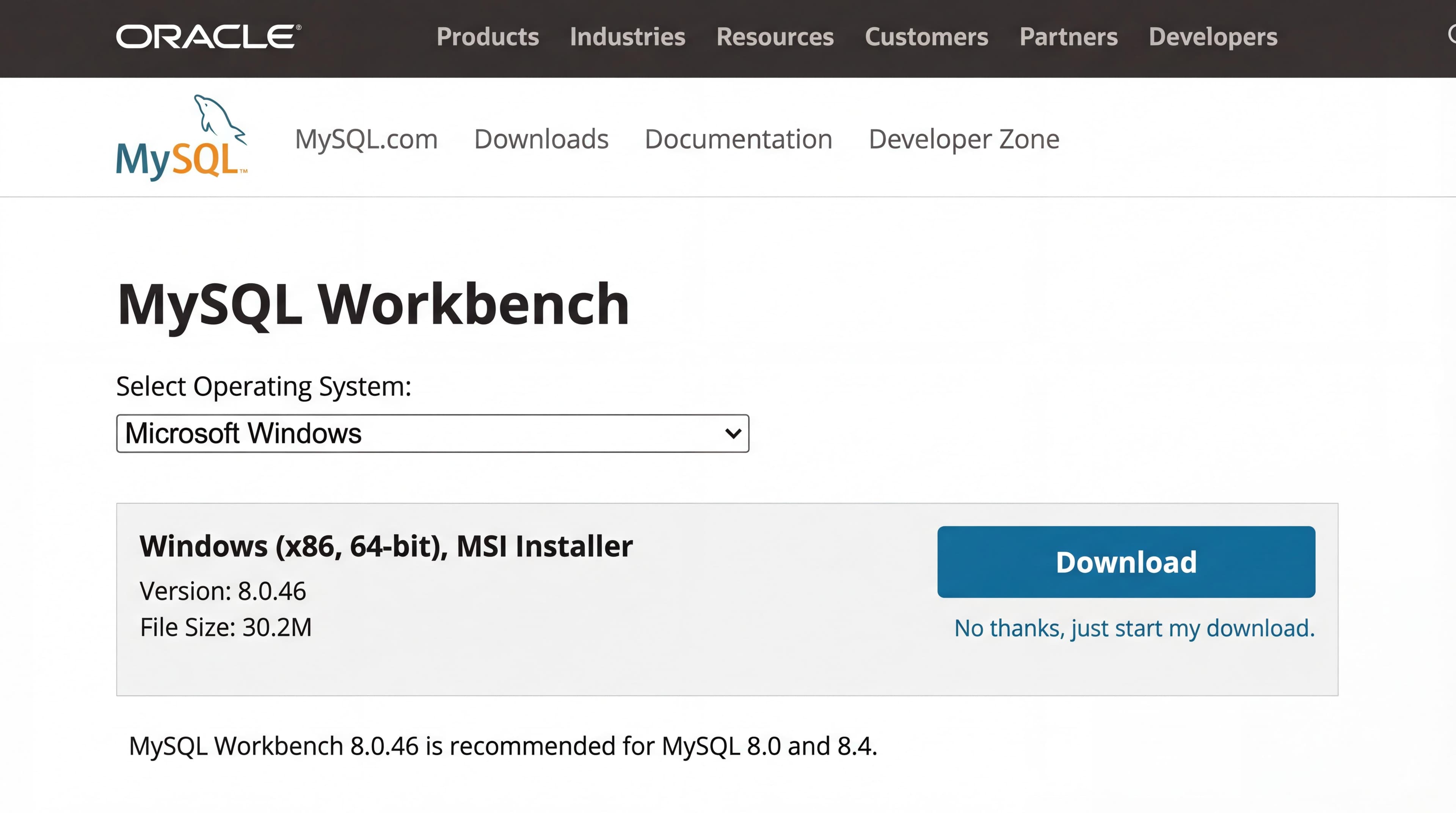
That's the link. Choose your OS and click Download; an Oracle account is not required.
System Requirements
Before you download, make sure your machine can handle it. MySQL Workbench needs a 64-bit system. Oracle's published platform list below is for Workbench 8.0; it had not published a separate list for 26.7 as of September 2026.
| Requirement (Workbench 8.0) | Windows | Mac | Linux |
|---|---|---|---|
| OS Version | Windows 11 / Server 2022 | macOS 14 (Sonoma) or 15 (Sequoia) | Ubuntu 24.04 LTS, Oracle/RHEL 8 to 9 |
| Architecture | x86_64 | x86_64 or ARM (Apple Silicon) | x86_64 |
Download & Installation Steps
Head to dev.mysql.com/downloads/workbench/ and pick your OS. If you're looking for more options beyond Workbench, check out our MySQL GUI tool recommendations.
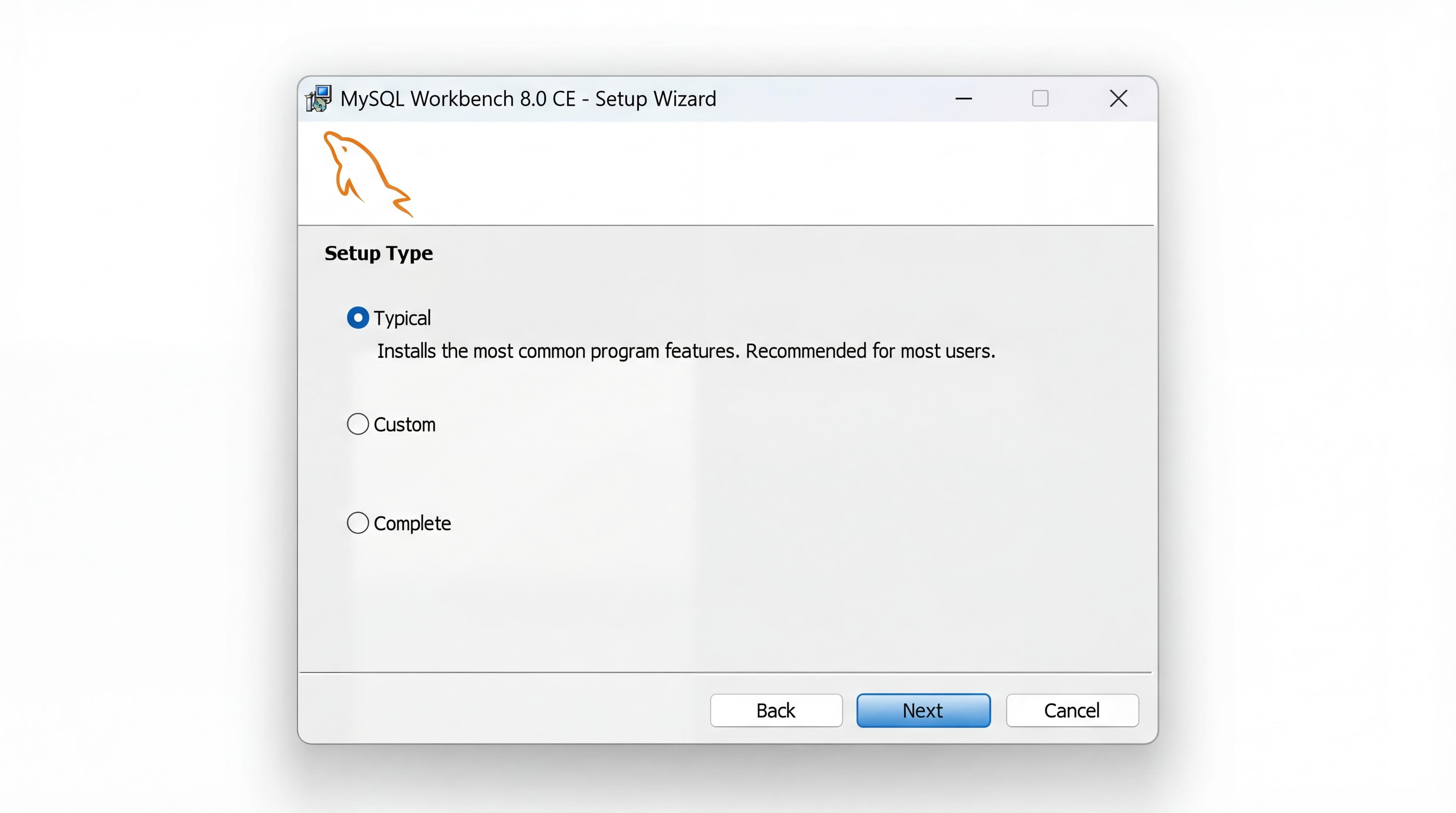
Windows Installation
- 1.Select "Microsoft Windows" on the download page
- 2.Download the MSI installer (about 260 MB for 26.7.0)
- 3.Run the
.msifile and accept the defaults - 4.Windows may prompt for Visual C++ Redistributable. Install it if asked
- 5.Launch MySQL Workbench from the Start menu
Mac Installation
- 1.Select "macOS" on the download page
- 2.Download the
.dmgfile - 3.Open the DMG and drag MySQL Workbench to your Applications folder
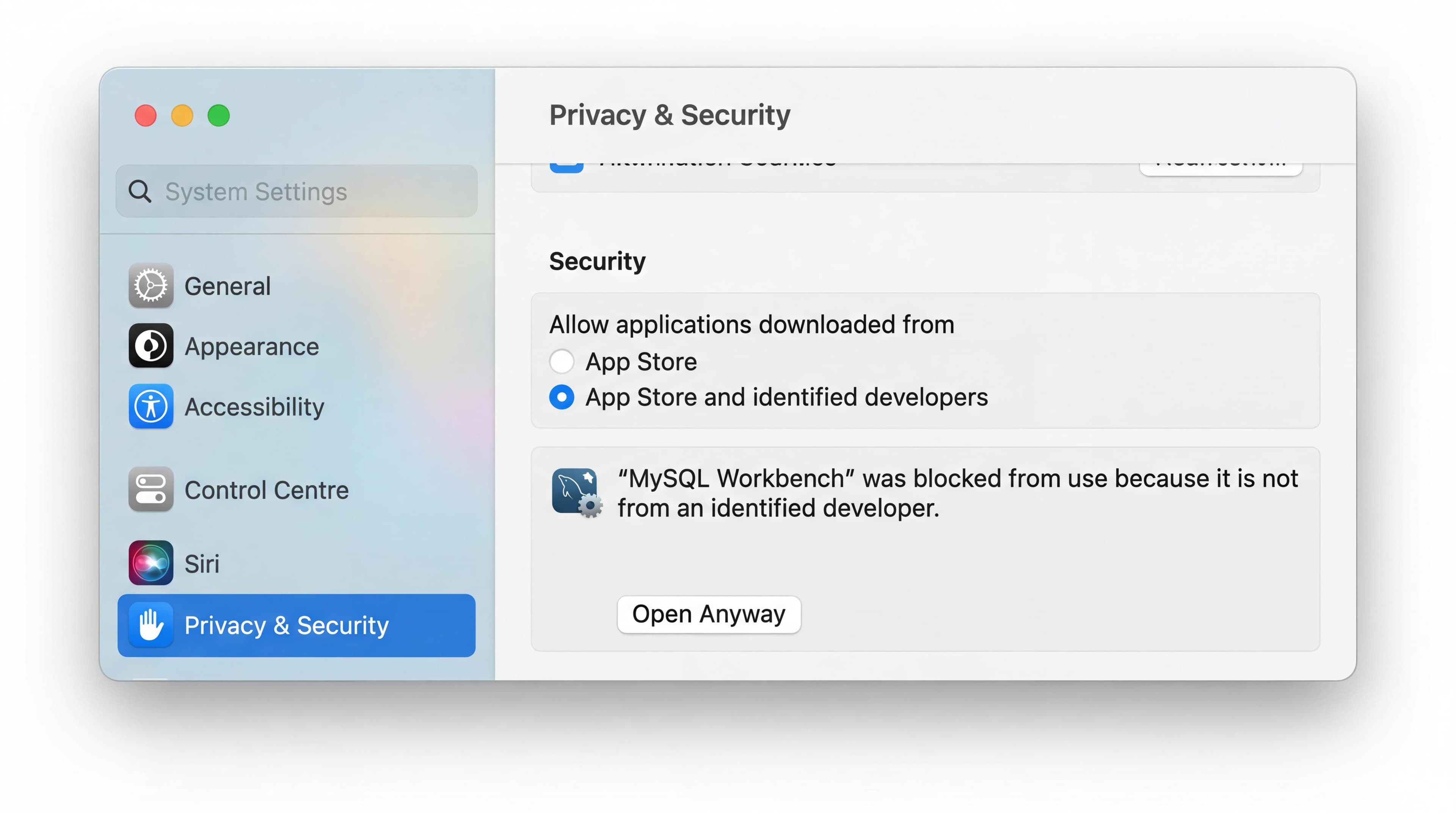
- 4.On first launch, macOS will block it. Go to System Settings → Privacy & Security and click "Open Anyway"
- 5.Launch from Applications
Linux Installation
- 1.Select your distro on the download page (Ubuntu, Fedora, or generic Linux)
- 2.Download the
.debor.rpmpackage - 3.Install via terminal (the file name carries the version and distro you downloaded):bash
# Ubuntu/Debian sudo dpkg -i mysql-workbench-community_*_amd64.deb sudo apt-get install -f # RHEL/Oracle Linux sudo rpm -i mysql-workbench-community-*.x86_64.rpm - 4.Launch with
mysql-workbenchfrom terminal or your app menu
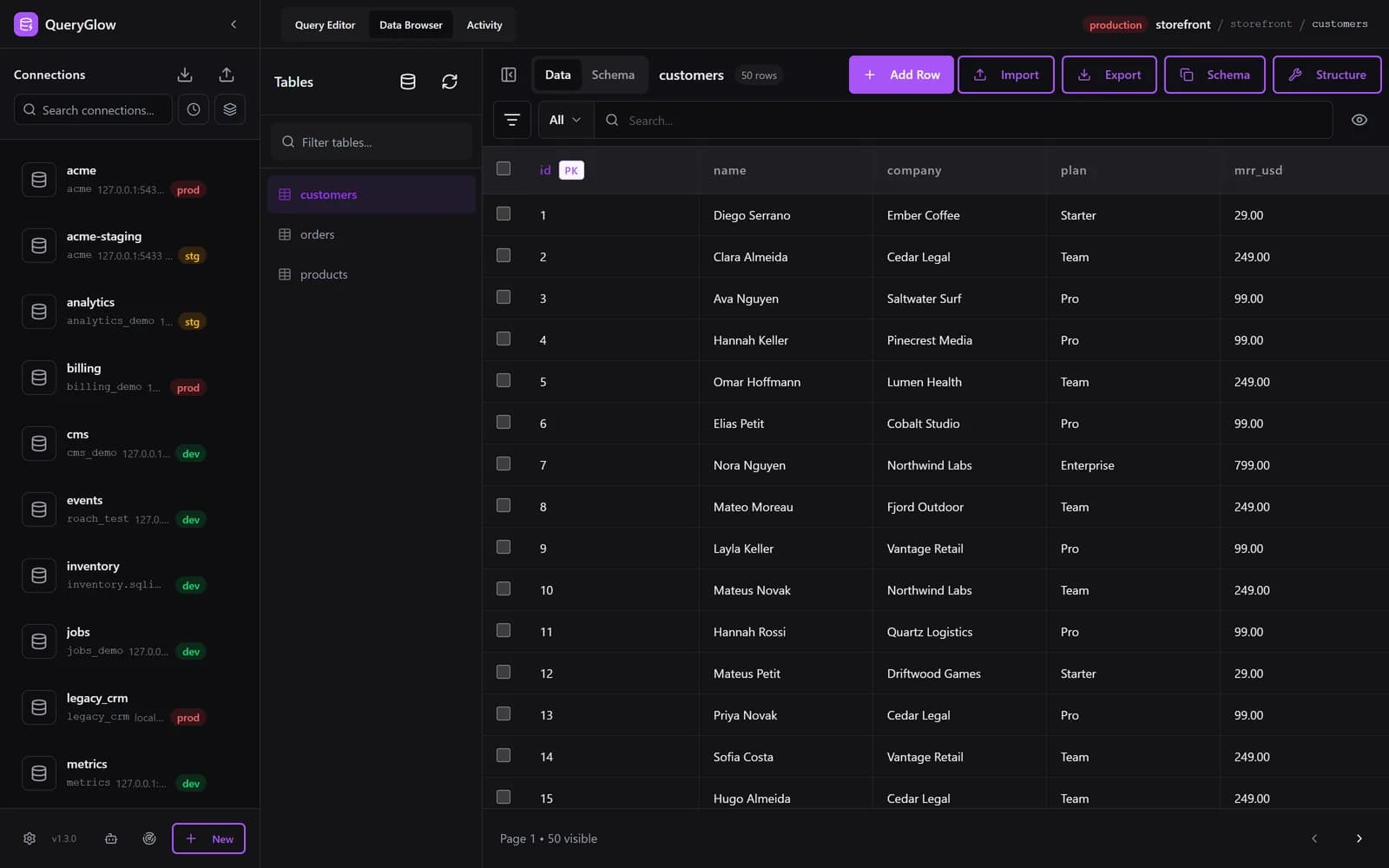
What if MySQL Workbench ran in your browser?
QueryGlow is web-based: open a URL and access MySQL from any device. Self-hosted, source code included, $79 once.
See the tourCommon Installation Errors & Fixes
| Error | Cause | Fix |
|---|---|---|
| "MSVCP140.dll not found" (Windows) | Missing Visual C++ Redistributable | Download and install from Microsoft's site |
| "Can't connect to MySQL server" | MySQL Server isn't running | Start MySQL service: sudo systemctl start mysql (Linux) or check Services panel (Windows) |
| "App can't be opened" (Mac) | macOS Gatekeeper blocks the first launch | System Settings → Privacy & Security → click "Open Anyway" |
| "Unmet dependencies" (Linux) | Missing libraries | Run sudo apt-get install -f to resolve dependencies |
MySQL Workbench vs Web-Based Alternatives
MySQL Workbench does the job. It's free, it's official, and it supports everything from data modeling to server administration. Workbench 26.7 is a rebuilt desktop app on MySQL Shell; 8.0 is no longer maintained. Either way it is a desktop app you install on every machine.
If you mostly need to browse data, run queries and edit rows, and want the whole team on the same tool, a web-based GUI is the other route. QueryGlow is web-based: open a URL and you're in your database from any device. It runs on a Linux server you run, with no telemetry. Paste a mysql:// connection URL and the form fills itself, or let Find databases on this server add every database your login can open in one step. Ask AI writes SQL from your schema (your own OpenAI, Anthropic or Google key, entered in the app; it sends table and column names, never rows), and it supports six databases, not just MySQL. $79 once, no subscriptions. See our full QueryGlow vs MySQL Workbench comparison for a detailed breakdown.
Tags:
Built by an engineer. The app sends no telemetry.
Access MySQL from anywhere, not just your desk
QueryGlow is web-based and self-hosted, source code included. Open a URL from any device, your rows never leave your server. $79 once.
“Beautiful interface and very intuitive.”
Jean-Francois, Mildor Violon, verified customer “I was looking at DBeaver and yours looked a little easier for what I was looking for.”
Mike, verified customer
Stripe checkout. You'll enter your GitHub username for the repo invite. No refunds, so try the read-only demo first.
$79 one-time. Self-hosted. No subscription.